Software user interface (screenshot)
1600 × 859
Lossless · open source · Apache-2.0
BIC stores flat graphics in fewer bytes than optimized PNG. Photographs stay as their original JPEG. The decoder runs in the browser, and you can try it below on real files.
npm install @proteo5/bic-runtime
npm install --save-dev @proteo5/bic-build
Charts, interface screenshots, logos, icons and diagrams are made of large areas of one color. A PNG already compresses them, but BIC stores each run of identical pixels in a few bytes and compresses the result again. A smaller file is less data to download on every visit, and on a slow connection it is the difference between an image that appears at once and one that waits.
Each file below is decoded right now by @proteo5/bic-runtime from npm, with no server involved. The result is compared with the source pixels, byte for byte.
Drop a .bic file here, or choose one. It is decoded in your browser; nothing is uploaded.
This page decodes .bic files but does not encode them yet, so exporting uses the command line. These commands compare your file the same way as the results table.
bic inspect photo.png --json   # sizes of PNG, oxipng, WebP and BIC
bic encode photo.png photo.bic   # keeps the smaller strategy
bic verify photo.png photo.bic # decoded pixels must match exactlyMeasured on the example images below. Sizes in KiB. Each row used one of two strategies: the BIC algorithm (flat graphics), or a wrapper that keeps the original JPEG inside the .bic with 32 bytes of header (photographs). "Best lossless" is the smallest of PNG, oxipng and WebP lossless. The last three columns are lossy formats, which change pixel values. "MB saved per 1,000 views" multiplies the difference by 1,000 transfers. Negative values mean BIC is larger.
| Example | Pixels | PNG | oxipng | WebP lossless | BIC file | Best lossless | BIC smaller by | MB saved / 1,000 views | WebP q80 | AVIF q50 | JPEG q85 | Verdict |
|---|---|---|---|---|---|---|---|---|---|---|---|---|
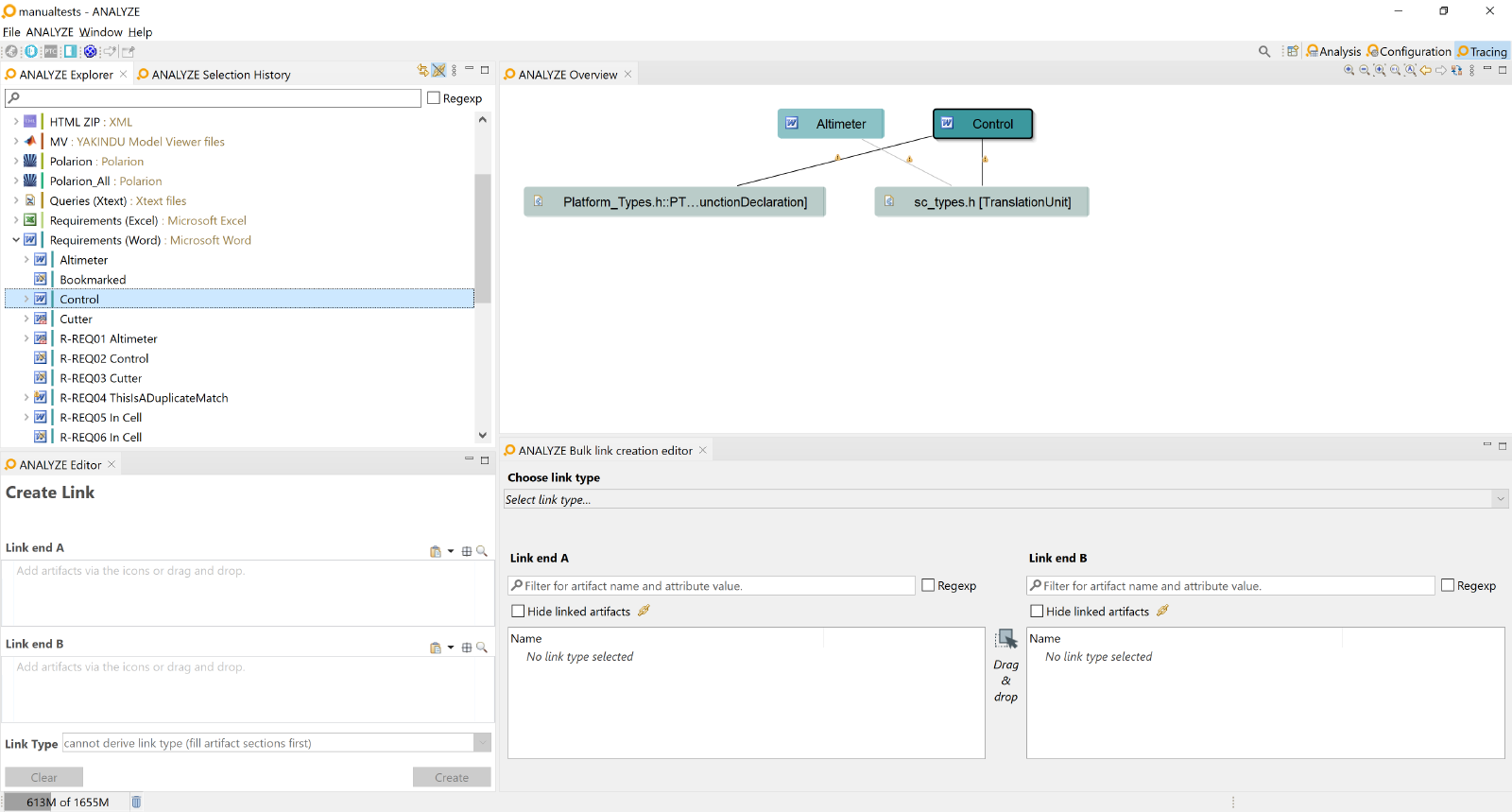 Software user interface (screenshot) Software user interface (screenshot) | 1600×859 | 204.5 | 114.5 | 130.4 | 136.3 | oxipng: 114.5 | -19% | -22.38 | 50.8 | 29.6 | 111.2 | Keep the PNG oxipng is smaller. Keep it. Lossy AVIF q50 is 78% smaller than BIC, if exact pixels are not needed. |
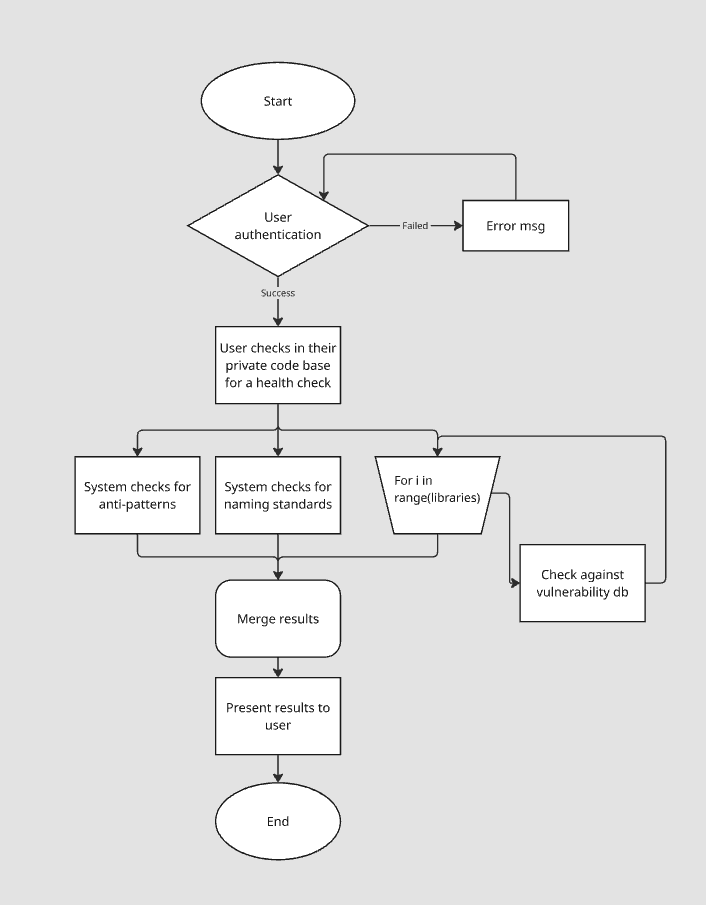 Flowchart diagram Flowchart diagram | 706×905 | 60.5 | 10.0 | 11.8 | 11.1 | oxipng: 10.0 | -12% | -1.20 | 15.6 | 8.3 | 37.2 | Keep the PNG oxipng is smaller. Keep it. Lossy AVIF q50 is 25% smaller than BIC, if exact pixels are not needed. |
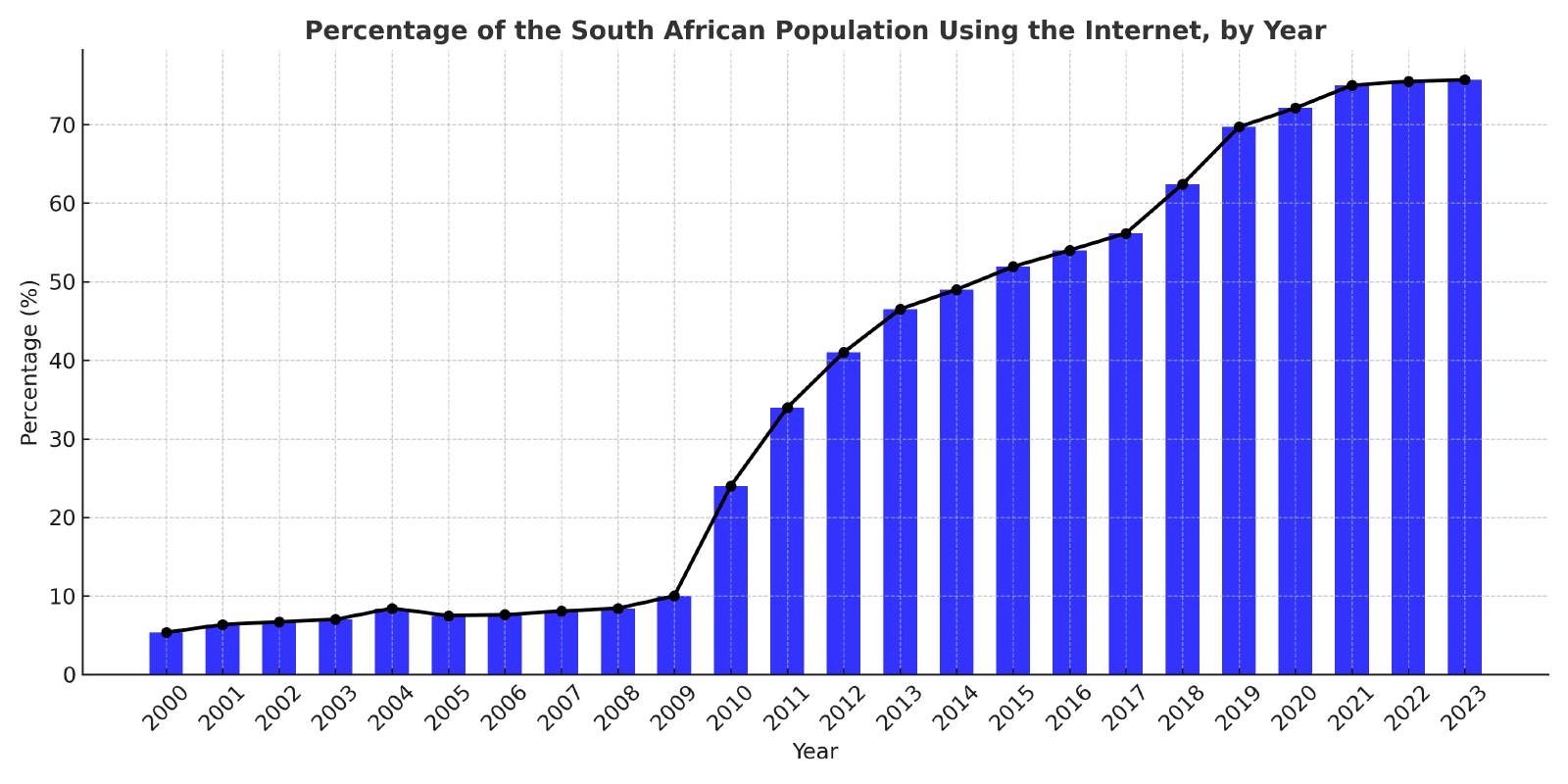 Bar chart Bar chart | 1600×800 | 256.7 | 87.7 | 109.2 | 47.3 | oxipng: 87.7 | +46% | +41.41 | 74.2 | 30.7 | 158.6 | Use BIC 46% smaller than oxipng. Lossy AVIF q50 is 35% smaller than BIC, if exact pixels are not needed. |
 Icon with transparency Icon with transparency | 512×512 | 25.1 | 7.3 | 14.8 | 7.3 | oxipng: 7.3 | +0% | +0.02 | 6.5 | 6.4 | 19.4 | Use BIC 0% smaller than oxipng. Lossy AVIF q50 is 13% smaller than BIC, if exact pixels are not needed. |
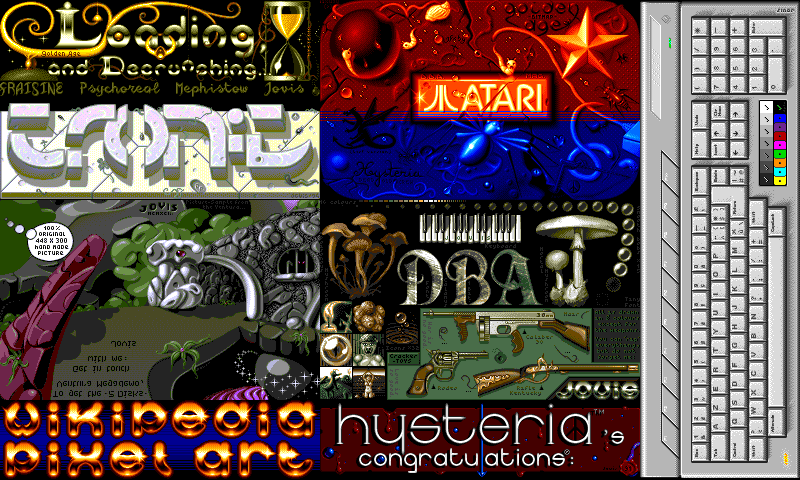 Pixel art Pixel art | 800×480 | 538.3 | 77.2 | 190.9 | 89.0 | oxipng: 77.2 | -15% | -12.14 | 109.7 | 59.3 | 151.1 | Keep the PNG oxipng is smaller. Keep it. Lossy AVIF q50 is 33% smaller than BIC, if exact pixels are not needed. |
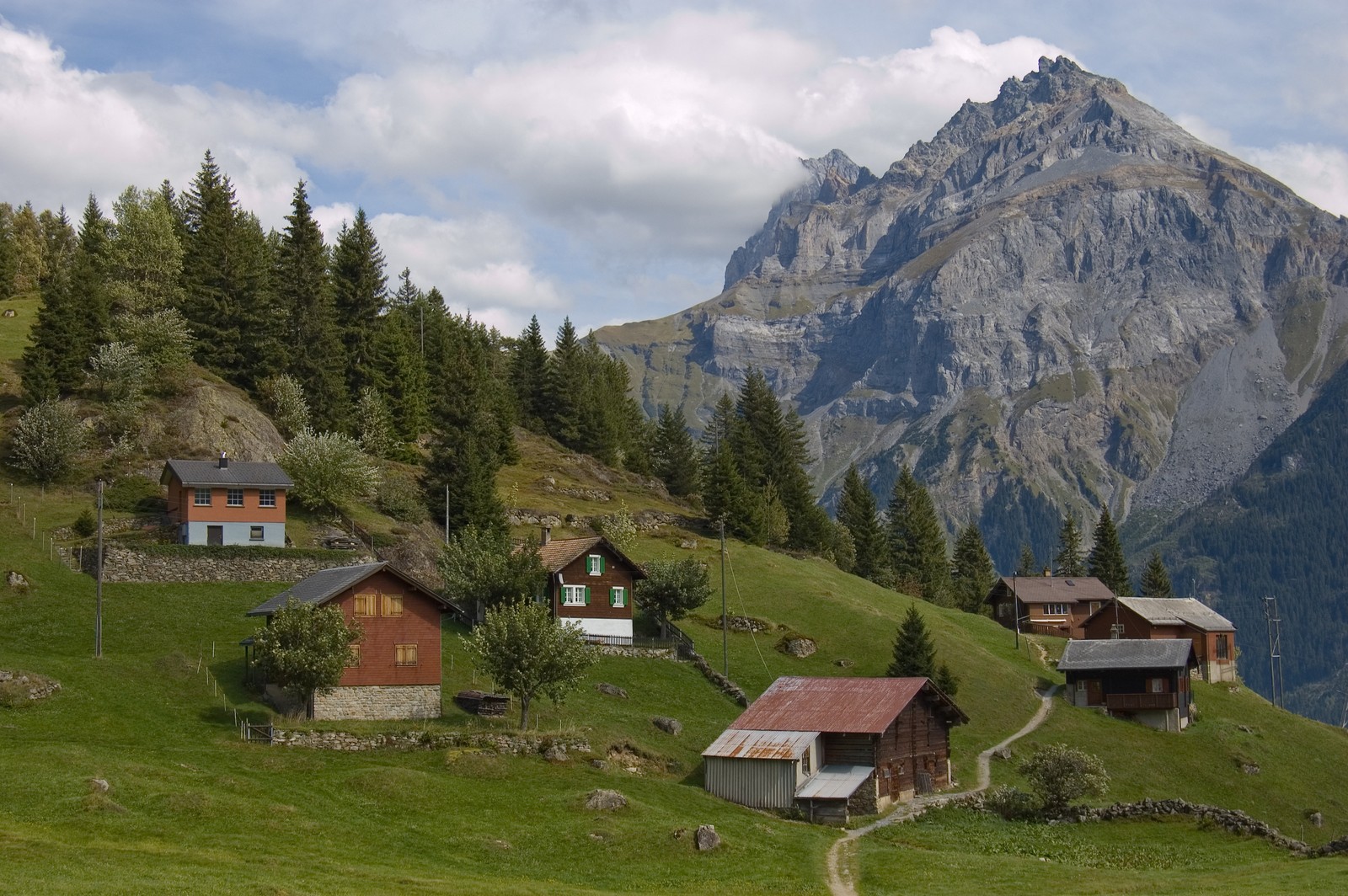 Landscape photograph Landscape photograph | 1600×1064 | 3,550.0 | 2,257.5 | 1,860.5 | 492.5 | WebP lossless: 1,860.5 | n/a | n/a | 270.5 | 139.9 | 436.2 | Keep the JPEG The original JPEG is stored as it is, so BIC adds nothing here. Lossless formats are far larger for photographs. |
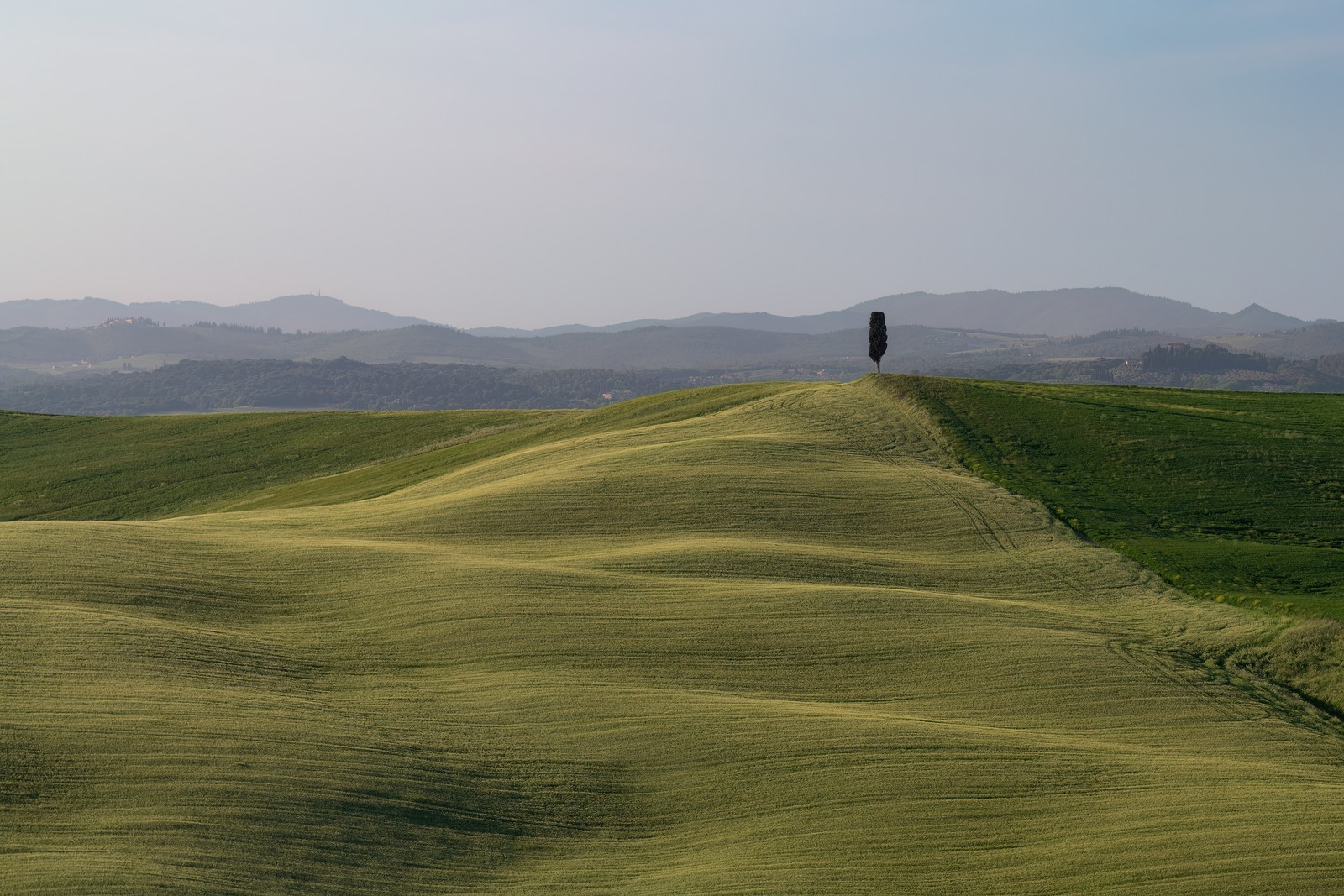 Landscape photograph Landscape photograph | 1600×1067 | 2,957.8 | 1,571.5 | 1,601.7 | 418.8 | oxipng: 1,571.5 | n/a | n/a | 236.3 | 110.3 | 365.2 | Keep the JPEG The original JPEG is stored as it is, so BIC adds nothing here. Lossless formats are far larger for photographs. |
The measurements decide the cases. Flat graphics with few colors are where BIC is smaller than optimized PNG. Everything else in the table is not.
The build step converts an image only when BIC is at least 10% smaller than the best lossless format, and never for JPEG or for images with more than 4096 colors.
The decoder works wherever JavaScript runs. The build step converts your images and serves them through a Service Worker, under their original URLs, so your HTML and CSS do not change.
The command-line tool and the viewer for Windows, Linux and macOS, from release v0.2.1. The build step installs the right binary by itself.
Each example is republished under its license, from Wikimedia Commons. Images larger than 1600 px were resized, as noted.


